Website Refresh v3.0: From WordPress to Astro
vSkilled has left WordPress. Version 3.0 is a static Astro site with a new design and logo, every old link intact and no ads, trackers or plugins.
 Karl Nyen
On this page
The last time this site got a refresh was version 2.0 in 2017. It ran on WordPress, on a theme that had to be tamed, behind a stack of plugins that each solved one problem and caused another. It worked, but it stopped being something I wanted to maintain, and you can see that in the archive: the last post here is from 2020.
Version 3.0 is a complete rebuild. Same posts, same URLs, a new design and a very different engine underneath.
Why leave WordPress
WordPress is a fine platform, but for a blog that is written a few times a year, it is a lot of moving parts. The old site needed PHP, a database, a Redis object cache, a page builder, a syntax highlighter, a table plugin, a watermark plugin, a CDN plugin, an anti-spam plugin and a login hardening plugin, all kept patched and all attack surface. Every one of them was there to make a dynamic application behave like a set of static pages.
So the new site is a set of static pages. It is built with Astro, and every post is a Markdown file in a Git repository with its images beside it. There is no CMS and no database: a new post is a pull request, the build checks it, and the result is plain HTML, CSS and images. There is nothing on the server to log in to and nothing to patch.
What changed
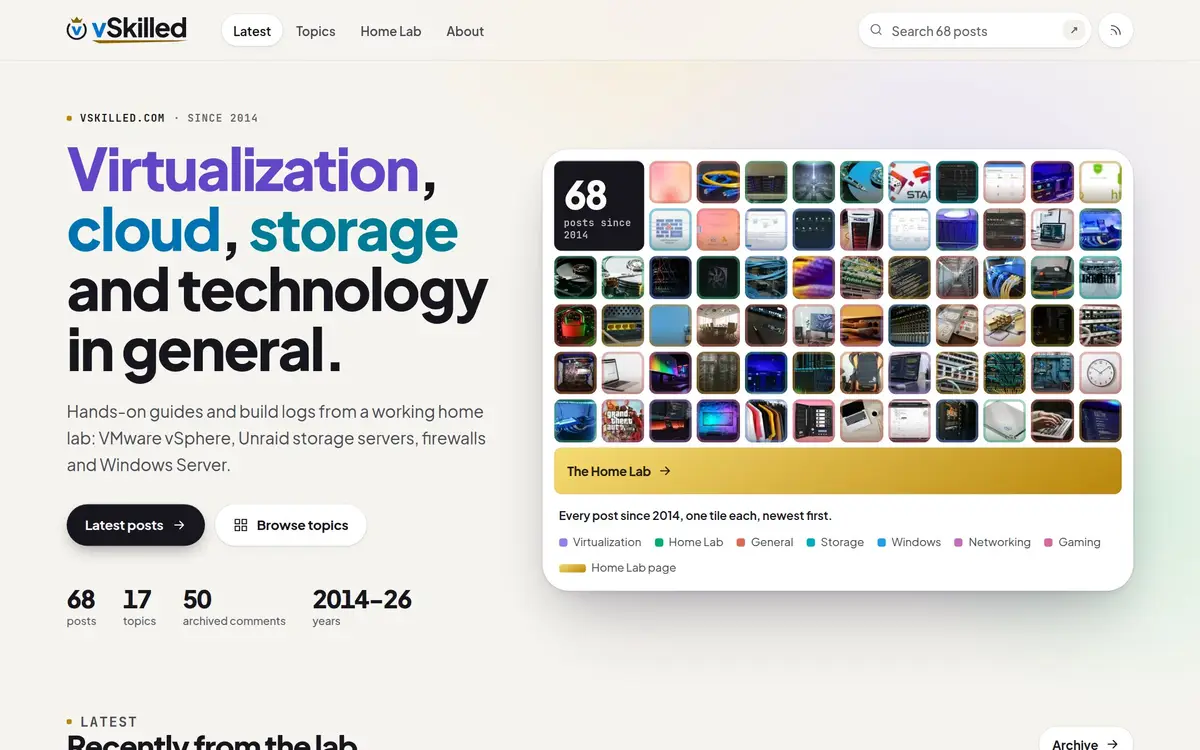
- A new design. The home page shows every post as a tile, coloured by topic, and each topic keeps its colour on every card, chip and archive page. Text is set in Plus Jakarta Sans with JetBrains Mono for labels and code. Light and dark mode follow your system setting.
- A new logo. The crown from the original logo survives, now on top of a seal around the blue v. The seal alone is the favicon and app icon.
- Search that runs in your browser. The search page uses Pagefind: the index is built with the site, so searching sends nothing to a server.
- Faster pages. One stylesheet, no web fonts from third parties, responsive images in modern formats and almost no JavaScript. The build fails if a page goes over its budget.
- Accessibility checks on every build. Every page is scanned for accessibility problems in a real browser before it can ship.
- Older posts are labelled. Anything five or more years old says so at the top, since a 2016 vSphere guide is history, not current advice.
What stayed
All 67 posts keep their exact /year/month/slug/ addresses, and so do the category and tag archives, so if you bookmarked or linked to a post here in the last twelve years, it still lands. The few posts that were renamed long ago redirect to their current address.
The comments are still here too. The site no longer accepts new ones, but the 50 real comments from over the years are kept as a read-only archive under their posts. Only names, dates and text came across: no email addresses, IP addresses or avatars.
Images were cleaned up on the way over. Where the watermark plugin had stamped a photo, the clean original is used, and every image has had its EXIF, GPS and other metadata removed. Images also have descriptive alt text now.
What’s gone
- Ads. No AdSense, no
ads.txt. - Tracking. No Jetpack and no cookies. Visitor counts come from Cloudflare Web Analytics, which is cookieless.
- The Contact page. Its form plugin had already broken, so it now points to About, where you can find me on X, LinkedIn and GitHub.
- The RSS feed and the URLs WordPress generated on the side: attachment pages, shortlinks, date archives and resized image files.
- Logins. There is no admin panel to brute-force, because there is no admin panel.
Hosting
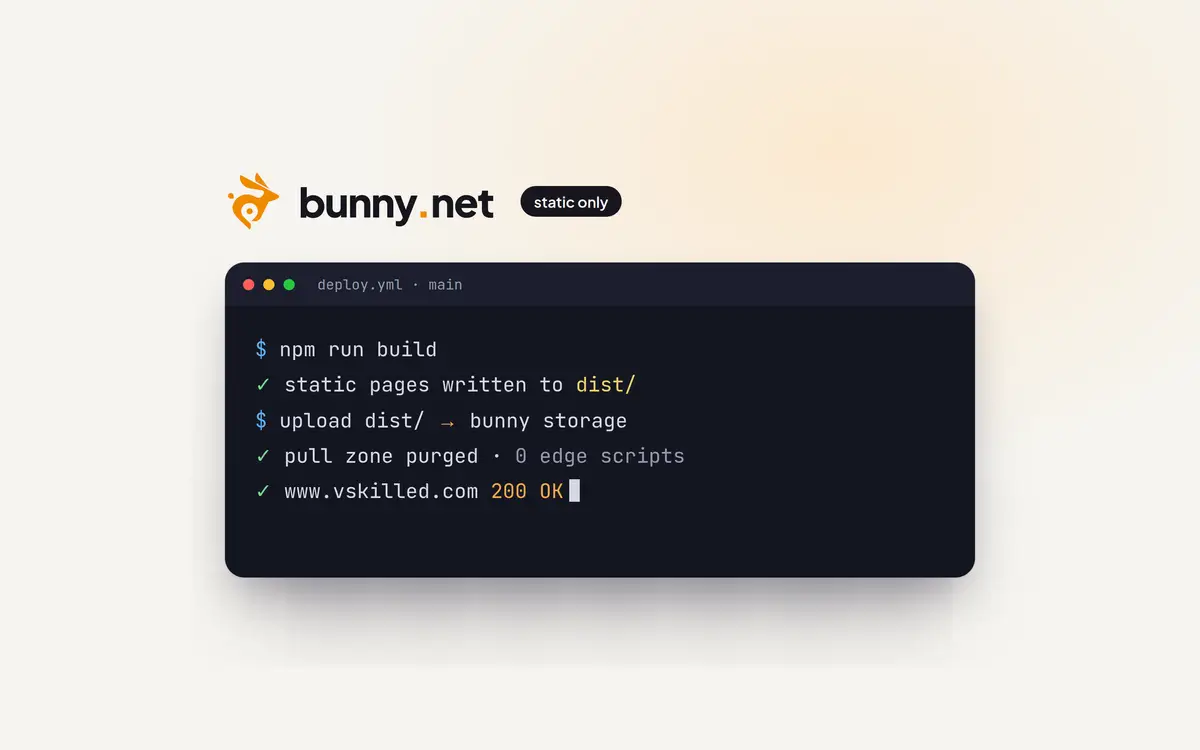
The site is served from Bunny, which already served the old site’s images. The files live in Bunny Storage behind a pull zone, as plain static files with no code running at the edge (how and why). A push to the repository builds the site, runs the checks, uploads it and purges the cache.
How it was built
Most of the work was done with AI coding agents: importing twelve years of WordPress content into clean Markdown, auditing hundreds of outbound links (and swapping dead ones for archived copies), mapping every old URL, and building the design. I set the direction, chose the designs, and reviewed every change before it went in. It is the same way I would run any migration at work: decide what must not break, write it down as a test, and only then cut over.
What’s next
With publishing reduced to writing Markdown, the plan is to start posting again: home lab changes, infrastructure work and the tooling I’ve been building. If you have been here since the early VMware posts, thanks for sticking around.
Writing about virtualization, home lab, cloud, storage and gaming on vSkilled, started in 2014.